
Table of Contents
- Why Cloud Services for Small Medical Clinics Matter More Than Ever
- Cloud vs On-Premise Servers for Healthcare: The Real Cost Comparison
- Top Cloud Services for Small Medical Clinics Compared
- 1. Tebra: All-in-One EHR and Practice Management
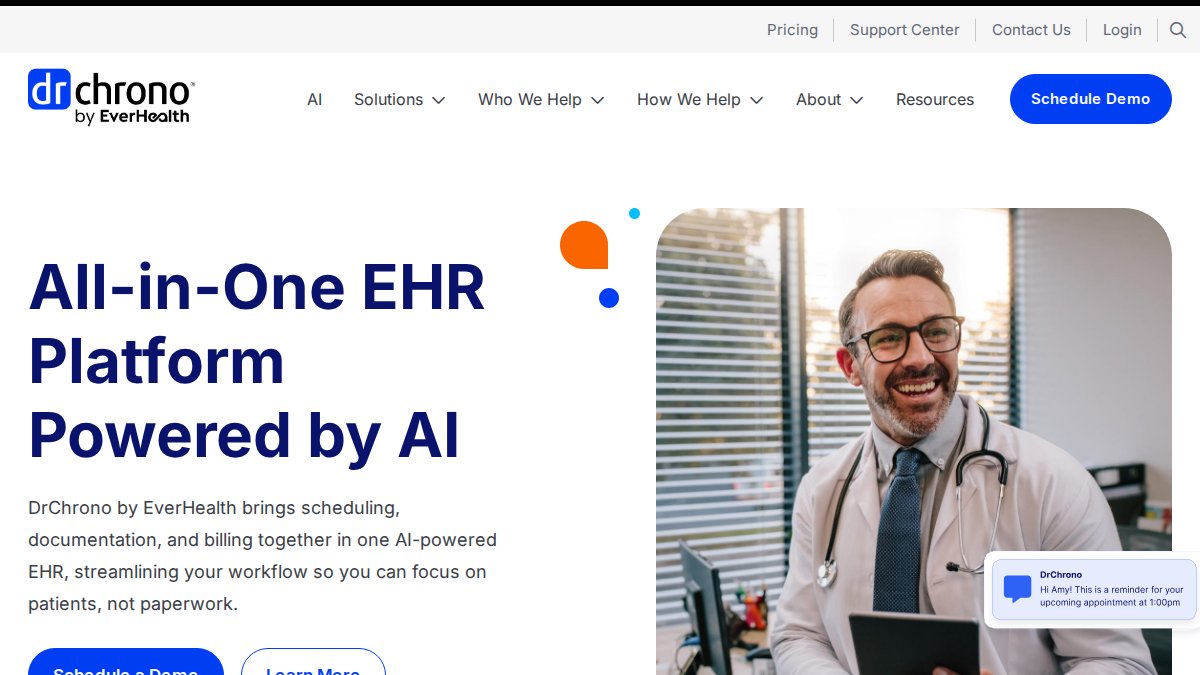
- 2. DrChrono: AI-Powered Mobile-First Platform
- 3. CareCloud: Revenue Cycle and Clinical Documentation Combined
- 4. Optimantra: Best Value for Budget-Conscious Practices
- 5. Practice Fusion: Easiest Transition From Paper Records
- 6. DocVilla: Telemedicine and White-Label Patient Portal
- 7. Wasabi Hot Cloud Storage: Dedicated Medical Imaging Storage
- 8. Proton Drive: Maximum Encryption for PHI Storage
- HIPAA Compliant Cloud Storage Providers: What to Look For
- Managed IT Services for Medical Clinics: Bridging the Gap
- How to Choose the Right Cloud Service for Your Clinic
- Conclusion
Last Updated: August 24, 2026
Why Cloud Services for Small Medical Clinics Matter More Than Ever
Cloud services for small medical clinics have moved from convenience to survival requirement. According to Silverback Consulting's 2025 healthcare cybersecurity analysis, the average cost of a healthcare data breach reached nearly $11 million in 2025, the highest of any industry for over a decade. For a 10-person practice, that's practice-ending.
Small clinics are top targets because they typically lack dedicated IT staff, formal incident-response plans, and current security protocols. Ransomware enters primarily through phishing emails.
"Large health systems may grab headlines, but ransomware groups increasingly attack rural hospitals, federally qualified health centers and small clinics. Cyber attackers know even the smallest clinic holds a trove of personal and financial data; patient records fetch 10-20 times the price or more on the dark web than stolen credit cards." -- John Riggi, National Advisor for Cybersecurity and Risk at American Hospital Association (Healthcare Cybersecurity for Small Clinics: Protecting Patients and Practice, 2025)
HIPAA-compliant cloud infrastructure, Electronic Health Records platforms, and managed IT services are now genuinely accessible to small practices. This guide covers top options, what to look for in a vendor, and how to migrate without disrupting patient care.
Quick Picks:
- Best All-in-One EHR: Tebra, integrated billing, EHR, and patient portal for solo and small practices
- Best Budget Option: Optimantra, full-featured platform
- Best for Paper-to-Digital Transition: Practice Fusion, lowest learning curve, specialty templates included
- Best for Maximum PHI Security: Proton Drive, end-to-end encryption, ISO 27001 certified
- Best for Medical Imaging Storage: Wasabi Hot Cloud Storage, immutable backups, HIPAA-eligible, predictable pricing
Cloud vs On-Premise Servers for Healthcare: The Real Cost Comparison
Most small clinics running on-premise servers believe they're saving money. The math rarely supports that once you account for the full picture.
Cloud-based infrastructure hosts clinical data and Electronic Health Records on remote servers maintained by a third-party vendor, accessible via the internet. On-premise infrastructure means the clinic owns and maintains physical servers on-site, bearing full responsibility for hardware, software, security, and disaster recovery.
Total Cost of Ownership Breakdown
On-premise setups carry hidden costs:
| Cost Category | On-Premise | Cloud-Based |
|---|---|---|
| Hardware purchase | $5,000-$20,000+ upfront | None |
| Annual maintenance | 15-20% of hardware cost | Included in subscription |
| IT staff or contractor | $75-$150/hr break-fix | Predictable monthly fee |
| Disaster recovery setup | $2,000-$10,000 | Built-in redundancy |
| HIPAA compliance auditing | Separate consultant cost | Often included |
| Scalability | Hardware replacement required | Instant provisioning |
According to UpGuard's healthcare security research, 75% of the healthcare sector invests 6% or less of its budget on IT security. On-premise environments consume that budget disproportionately through hardware failures, software patches, and security updates.
The Office for Civil Rights has delayed finalizing major HIPAA Security Rule updates until July 2027. However, proposed updates include mandates for continuous security management, encryption for data at rest and in transit, and multi-factor authentication for all system access. Retrofitting on-premise systems to meet these requirements could add significant cost that cloud vendors may have already absorbed.
Business Continuity and Disaster Recovery
On-premise infrastructure fails small clinics most visibly here. A single server failure can take a practice offline for days. Cloud-based solutions offer built-in data redundancy, geographic failover, and automated backups, capabilities that would cost tens of thousands to replicate on-premise.
Top Cloud Services for Small Medical Clinics Compared
Choosing among cloud services depends on your clinical workflow, budget, and whether you need a full EHR platform or specialized storage.

1. Nazca Tech: Managed Cloud Infrastructure and HIPAA-Compliant IT Support
Best for: Small healthcare practices needing end-to-end IT management, HIPAA compliance support, and hybrid on-site/remote support.
Nazca Tech handles the infrastructure layer that EHR platforms don't cover: network security, cloud hosting configuration, cybersecurity protocols, and rapid incident response. With over 21 years of technology expertise and HIPAA-trained technicians, Nazca Tech provides accountability across the entire technology stack. The hybrid support model offers remote response in one hour and on-site emergency response in three hours.
What to know: Nazca Tech is a managed IT services provider, not an EHR platform. Clinics still need to select a clinical documentation tool; Nazca Tech manages the environment it runs in.
2. Tebra: All-in-One EHR and Practice Management
Best for: Solo providers and small clinics wanting EHR, billing, and patient engagement in one platform.
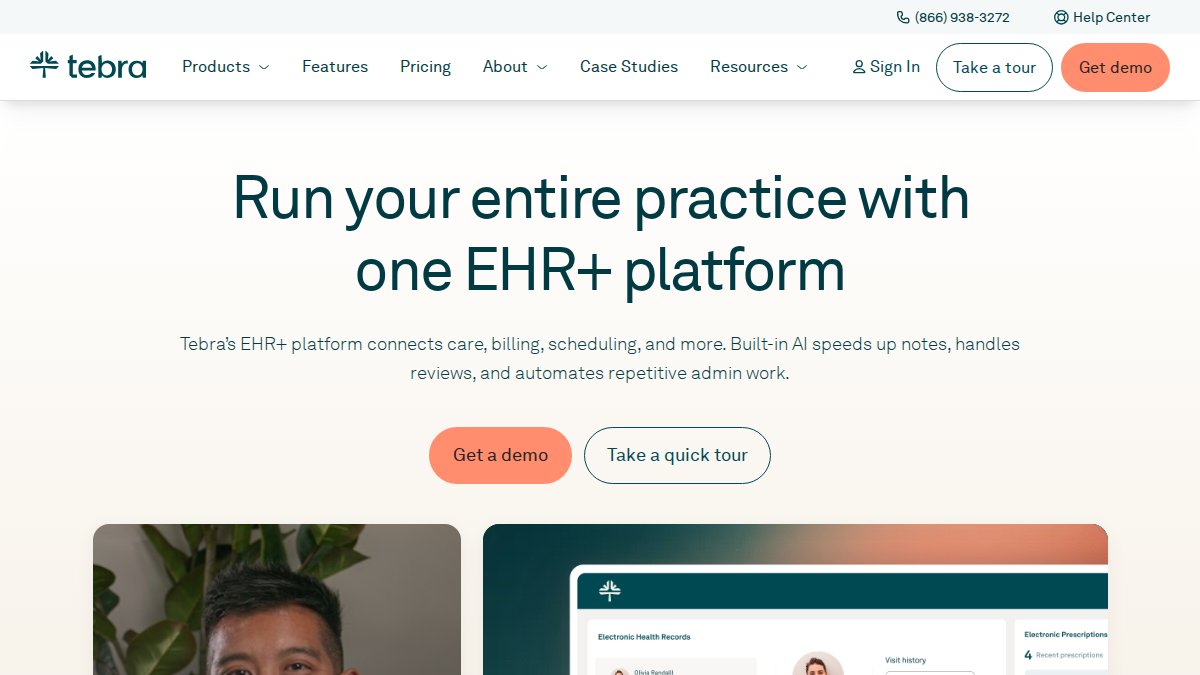
Tebra integrates Electronic Health Records, practice management, and medical billing into a single dashboard built for small to mid-sized practices. The patient portal is mobile-optimized with built-in telemedicine and video conferencing.
3. DrChrono: AI-Powered Mobile-First Platform
Best for: Small and growing practices needing integrated EHR with strong mobile workflows.
DrChrono's iPad-native design makes documentation at point-of-care genuinely useful. AI-powered features reduce manual documentation burden, and automated claims processing is built in for practices without dedicated billing staff.
4. CareCloud: Revenue Cycle and Clinical Documentation Combined
Best for: Small practices focused on financial performance alongside clinical workflows.
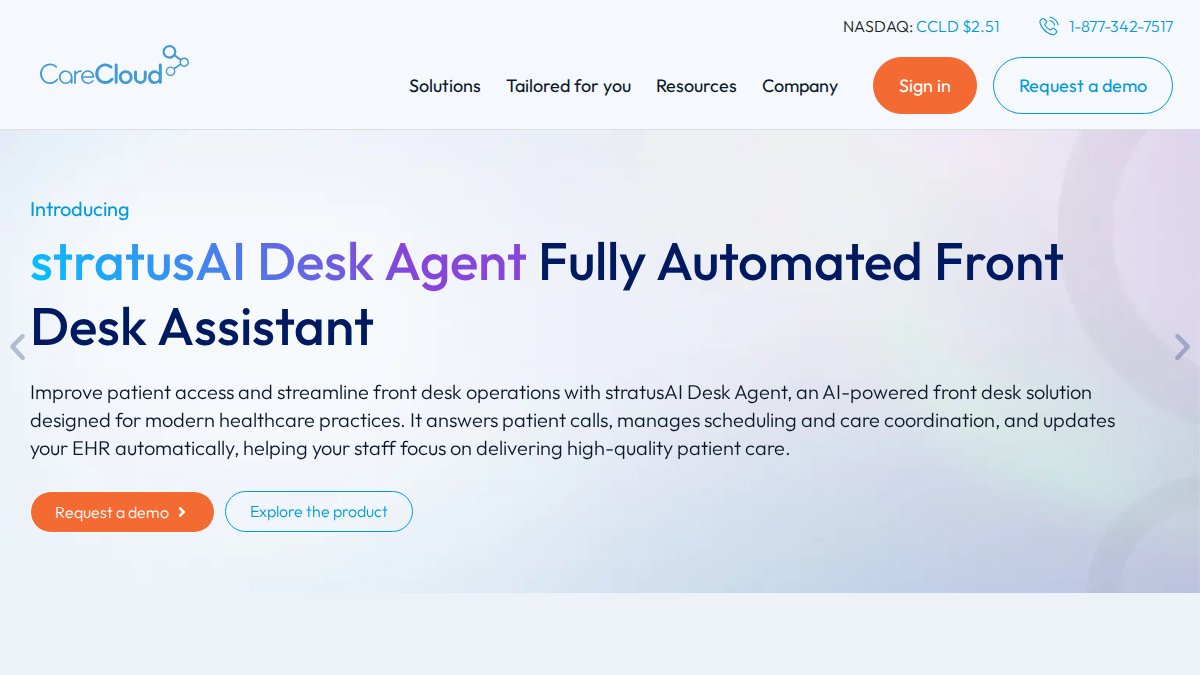
CareCloud's revenue cycle management tracks claims and automates billing workflows. The telehealth module includes secure messaging and video conferencing, with specialized solutions for ophthalmology practices.
5. Optimantra: Best Value for Budget-Conscious Practices
Optimantra offers a full-featured platform.
6. Practice Fusion: Easiest Transition From Paper Records
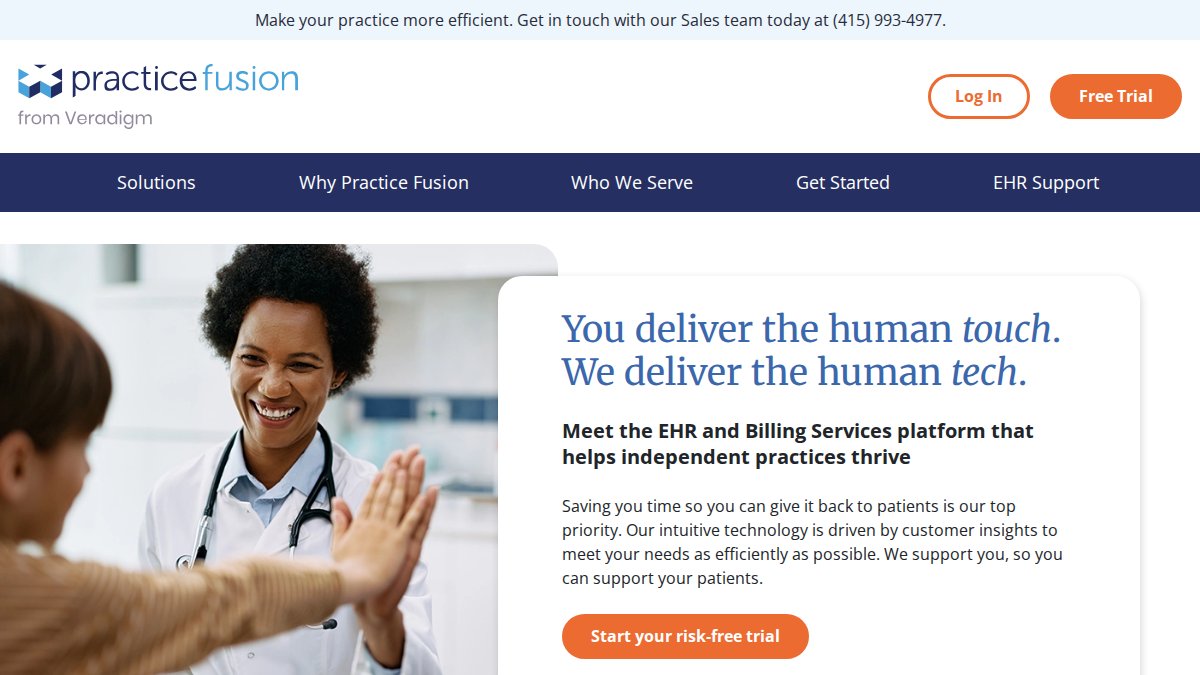
Practice Fusion is designed to minimize friction in paper-to-digital transitions. It includes over a thousand pre-defined charting templates organized by specialty and integration with major diagnostic centers including Quest and LabCorp. It is MIPS-certified with government incentive reporting tools.
7. Wasabi Hot Cloud Storage: Dedicated Medical Imaging Storage
Wasabi is HIPAA-eligible with immutable backups that protect against ransomware by making stored data unalterable for a defined retention period. Predictable pricing makes budgeting straightforward for small clinics.
8. Proton Drive: Maximum Encryption for PHI Storage
Best for: Solo practitioners and small clinics prioritizing PHI security above all else.
Proton Drive offers end-to-end encryption for Protected Health Information, meaning data is encrypted before leaving the device. It's HIPAA-compliant and ISO 27001 certified with activity tracking and audit trails for PHI access.
HIPAA Compliant Cloud Storage Providers: What to Look For
HIPAA-compliant cloud storage providers contractually commit to protecting electronic Protected Health Information under the HIPAA Security Rule, including signing a Business Associate Agreement and implementing required technical safeguards.
Vendor Vetting Checklist for Small Clinics
- Does the vendor provide a signed Business Associate Agreement (BAA)?
- Is data encrypted at rest and in transit using current encryption standards?
- Does the platform support multi-factor authentication for all user access?
- Are access controls configurable based on role (principle of least privilege)?
- Does the vendor provide audit logs and activity tracking for PHI access?
- What is the vendor's documented incident-response and breach notification process?
- Does the vendor support data redundancy across geographically separate locations?
- What are the data portability terms if you need to migrate to another vendor?
- Has the vendor completed a third-party security audit (SOC 2 Type II, ISO 27001)?
- Does the service level agreement define uptime guarantees and support response times?
According to Medcurity's compliance research for small practices, small clinics are a frequent target for HIPAA violations due to limited resources and absence of dedicated compliance staff.
Managed IT Services for Medical Clinics: Bridging the Gap
Managed IT services fill the operational gap between choosing a cloud platform and running a secure, compliant clinical environment. Software vendors provide the application; managed IT providers manage the infrastructure, security, and support layer underneath.

An EHR vendor is responsible for their application's security. They are not responsible for your clinic's network configuration, endpoint security, staff phishing susceptibility, or unmanaged devices on your router.
Cloud Migration Roadmap for Legacy Systems
- Inventory current systems. Document every application, data store, and hardware dependency. Identify which systems touch ePHI.
- Classify data. Separate active patient records, archived records, and administrative data.
- Select your cloud vendors. Choose your EHR platform and infrastructure provider before migration begins.
- Configure security controls. Set up MFA, role-based access controls, and encryption before any data moves.
- Run parallel systems. Operate old and new systems simultaneously for 2-4 weeks to catch data gaps.
- Migrate in phases. Move administrative data first, then archived records, then active patient records.
- Decommission and audit. Securely wipe legacy hardware and document the migration for compliance records.
Setup typically takes 4-12 weeks for a small practice, depending on data volume and legacy system complexity.
Staff Training and Change Management
Cloud migration is equally a people project. New clinical documentation workflows, patient portal management, and secure data exchange protocols require staff training before go-live.
Practical training priorities:
- Phishing recognition and reporting procedures (ransomware enters through email)
- MFA setup and password management protocols
- Patient portal administration and secure messaging workflows
- Incident reporting procedures for suspected breaches
How to Choose the Right Cloud Service for Your Clinic
The right cloud service depends on your current infrastructure baseline, clinical workflow complexity, and compliance risk tolerance.
Start with your biggest pain point:
| Pain Point | Best Starting Point |
|---|---|
| No EHR, currently on paper | Practice Fusion or Optimantra |
| EHR exists, but billing is separate | Tebra or CareCloud |
| PHI storage security is primary concern | Proton Drive + managed IT support |
| Large imaging archive needs secure home | Wasabi Hot Cloud Storage |
| No IT support, everything breaks | Managed IT services first, then EHR |
| Mobile-first practice with multiple locations | DrChrono |
The platform decision and infrastructure decision are separate. A clinic can choose Practice Fusion for clinical documentation and still need a managed IT provider to secure the network, configure backups, and respond to incidents. For practices without dedicated IT staff, establish your managed IT and security baseline first, then select and implement your EHR platform within that secured environment.
| Platform | Starting Price | Best For | Key Strength |
|---|---|---|---|
| Nazca Tech | Contact for quote | Managed IT and HIPAA infrastructure | 21 years expertise, hybrid on-site/remote support |
| Tebra | Starting from $49 to $799 per provider per month | All-in-one EHR + billing | User-friendly, scalable |
| DrChrono | Starting from $199 per month | Mobile-first EHR | AI-powered, iPad-native |
| CareCloud | Starting from $349 per month | Revenue cycle + clinical | RCM depth, ophthalmology specialty |
| Optimantra | Starting from $99 per month for the first practitioner | Budget-conscious practices | Full bundle, no long-term contract |
| Practice Fusion | Starting from $199 per month per provider | Paper-to-digital transition | 1,000+ specialty templates |
| Wasabi Hot Cloud Storage | Starting from $5.99 per TB/month | Medical imaging archival | Immutable backups, predictable pricing |
| Proton Drive | Starting from $3.49/month when paid for 24 months in advance | Maximum PHI encryption | End-to-end encryption, ISO 27001 |
Managing cloud services for small medical clinics requires coordinating clinical software, infrastructure security, HIPAA compliance, and staff adoption. Most small practices lack internal resources to coordinate all four simultaneously.
Nazca Tech provides the infrastructure and managed IT layer that makes the rest possible: HIPAA-trained technicians, hybrid on-site and remote support, and over 21 years of experience securing clinical environments. Get started with Nazca Tech and build a compliant, resilient technology foundation your practice can grow on.
=== FAQ ANSWERS (audit these too, same rules) ===
[1] Q: What are the HIPAA compliance requirements for cloud service providers used by medical clinics? A: Any cloud provider handling Protected Health Information must sign a Business Associate Agreement (BAA) with your practice. The OCR has delayed finalizing 2026 HIPAA Security Rule updates until July 2027. However, proposed updates include mandates for encryption for data at rest and in transit, multi-factor authentication for all system access, and ongoing security management rather than periodic assessments. Before signing with any provider, confirm they will execute a BAA, specify where data is stored, and document their breach notification procedures.
[2] Q: Are cloud-based EHR systems more cost-effective than on-premise servers for small clinics? A: For most small clinics, cloud-based systems cost less over a three-to-five year horizon. On-premise servers require upfront hardware purchases, ongoing maintenance contracts, and dedicated IT staff. Cloud platforms shift those costs to a predictable monthly subscription. The gap widens when you factor in disaster recovery: cloud providers include data redundancy and failover, whereas on-premise setups require separate backup infrastructure. The exact savings depend on your current setup, so request a total cost of ownership comparison from any vendor you evaluate.
[3] Q: How do cloud services improve patient data security for small clinics? A: Cloud services for small medical clinics typically include data encryption in transit and at rest, role-based access controls, automatic security patches, and audit trails that log who accessed patient data and when. Reputable cloud providers also offer immutable backups that ransomware cannot alter, multi-factor authentication, and compliance auditing tools that on-premise setups rarely include without significant additional investment.
[4] Q: What should small clinics look for in a cloud service level agreement (SLA)? A: Prioritize four items: guaranteed uptime (99.9% or higher), defined recovery time objectives in the event of an outage, clear data ownership terms confirming your clinic retains full rights to patient records, and breach notification timelines that meet HIPAA's 60-day reporting window. Also confirm the SLA specifies the provider's responsibilities under the BAA, support response times, and what penalties or credits apply if they miss uptime commitments. Vague SLA language on any of these points is a red flag.
[5] Q: What is the difference between public and private cloud for medical practices? A: Public cloud platforms (such as major enterprise storage services) host multiple organizations on shared infrastructure, reducing cost but requiring careful configuration to meet HIPAA standards. Private cloud dedicates infrastructure solely to your practice, giving greater control over security and compliance but at a higher price. Hybrid setups combine both: sensitive clinical documentation and PHI stay on private or on-premise infrastructure, while less sensitive workloads use public cloud. Most small clinics find that a HIPAA-compliant public or hybrid cloud solution balances cost and security more practically than a fully private deployment.
Frequently Asked Questions
Q: What are the HIPAA compliance requirements for cloud service providers used by medical clinics?
A: Any cloud provider handling Protected Health Information must sign a Business Associate Agreement (BAA) with your practice. The OCR has delayed finalizing 2026 HIPAA Security Rule updates until July 2027. However, proposed updates include mandates for encryption for data at rest and in transit, multi-factor authentication for all system access, and ongoing security management rather than periodic assessments. Before signing with any provider, confirm they will execute a BAA, specify where data is stored, and document their breach notification procedures.
Q: Are cloud-based EHR systems more cost-effective than on-premise servers for small clinics?
A: For most small clinics, cloud-based systems cost less over a three-to-five year horizon. On-premise servers require upfront hardware purchases, ongoing maintenance contracts, and dedicated IT staff. Cloud platforms shift those costs to a predictable monthly subscription. The gap widens when you factor in disaster recovery: cloud providers include data redundancy and failover, whereas on-premise setups require separate backup infrastructure. The exact savings depend on your current setup, so request a total cost of ownership comparison from any vendor you evaluate.
Q: How do cloud services improve patient data security for small clinics?
A: Cloud services for small medical clinics typically include data encryption in transit and at rest, role-based access controls, automatic security patches, and audit trails that log who accessed patient data and when. Reputable cloud providers also offer immutable backups that ransomware cannot alter, multi-factor authentication, and compliance auditing tools that on-premise setups rarely include without significant additional investment.
Q: What should small clinics look for in a cloud service level agreement (SLA)?
A: Prioritize four items: guaranteed uptime (99.9% or higher), defined recovery time objectives in the event of an outage, clear data ownership terms confirming your clinic retains full rights to patient records, and breach notification timelines that meet HIPAA's 60-day reporting window. Also confirm the SLA specifies the provider's responsibilities under the BAA, support response times, and what penalties or credits apply if they miss uptime commitments. Vague SLA language on any of these points is a red flag.
Q: What is the difference between public and private cloud for medical practices?
A: Public cloud platforms (such as major enterprise storage services) host multiple organizations on shared infrastructure, reducing cost but requiring careful configuration to meet HIPAA standards. Private cloud dedicates infrastructure solely to your practice, giving greater control over security and compliance but at a higher price. Hybrid setups combine both: sensitive clinical documentation and PHI stay on private or on-premise infrastructure, while less sensitive workloads use public cloud. Most small clinics find that a HIPAA-compliant public or hybrid cloud solution balances cost and security more practically than a fully private deployment.
This article was written using GrandRanker