Table of Contents
- Why Emergency IT Support Matters for Your Business
- Step 1: Triage Your Emergency IT Incident
- Step 2: Contact Your Emergency IT Support Provider and Understand 24/7 IT Support Response Time
- Step 3: Build a Small Business Cybersecurity Emergency Plan
- Step 4: Decide Between Remote vs On-Site IT Support
- Step 5: Prevent Future Emergencies with Managed IT Services
- Selecting an Emergency IT Support Provider: Your Checklist
- Conclusion
Last Updated: August 26, 2026
Why Emergency IT Support Matters for Your Business
A single hour of downtime costs small and mid-sized businesses between $8,000 and $90,000, depending on company size and industry. For top verticals, a one-hour outage routinely exceeds $5 million. These aren't theoretical numbers, they represent lost transactions, stalled operations, and customer trust evaporating in real time.
43% of U.S. small and medium-sized businesses have been attacked by cybercriminals, with an average cost of $254,000 per attack (ponemon.org). Worse, 75% of SMBs say they could not continue operating if hit with ransomware. Texas ranked #2 nationally for cybercrime losses, with over $763 million in reported victim losses and 38,661 complaints filed in 2023 alone (ic3.gov).
This guide walks you through exactly what to do when your systems fail, covering how to triage the problem, contact the right support provider, and build safeguards that prevent emergencies from happening in the first place.
Step 1: Triage Your Emergency IT Incident
The moment you realize something's wrong, resist the urge to restart everything or call in multiple people at once. Instead, follow a structured triage process that identifies the scope and severity of the problem before you escalate it.
Identify the Scope of the Outage
Start by answering one question: How many people or systems are affected? Is the problem affecting one person, one department, one location, or everyone? Can employees access the internet but not internal systems? Document which systems are down: email, file storage, accounting software, customer databases, VoIP phones, cloud applications. A problem affecting only one workstation is almost always easier to solve than one affecting an entire subnet.
Document What's Not Working
Write down exactly what you observe: the time the problem started, what error messages appear, and what was happening when the failure occurred. Did something change recently? Was there a software update, a power outage, a network change, or a new device added to the system?
This documentation is critical. When you contact emergency IT support, the first thing they'll ask is what's happening and when it started. Having these details ready accelerates diagnosis and reduces explanation time. Note any unusual activity such as suspicious login attempts or unfamiliar processes running, which could indicate a security breach rather than a routine outage.
Step 2: Contact Your Emergency IT Support Provider and Understand 24/7 IT Support Response Time
Once you've identified the scope, contact your emergency IT support provider immediately. Call the emergency number and speak to someone who can act now.
What to Expect During First Contact
A professional support team will ask specific questions: Which systems are down? How many people are affected? What error messages are you seeing? Have you made any recent changes? This information helps them determine whether they can resolve the issue remotely or need to dispatch a technician on-site.
Expect the support team to verify your account and confirm your service level agreement. The best providers will give you a realistic estimate immediately. Nazca Tech commits to 1 hour for remote support and 3 hours for on-site emergencies, giving you a clear timeline for when the fix will begin. Stay on the line or keep the phone nearby, as the support team may need follow-up questions as they diagnose the problem.
Service Level Agreements and Response Guarantees
A service level agreement (SLA) is a contract that defines how quickly your provider will respond to emergencies and what constitutes a successful resolution. Without an SLA, you have no guarantee that your provider will prioritize your emergency.
Key SLA metrics include response time (how quickly someone acknowledges your emergency), resolution time (how quickly they fix the problem), and uptime guarantees (what percentage of time your systems should be running). Review your current SLA carefully. If it doesn't match your business's tolerance for downtime, you need a different provider. Heavily automated help desks achieved a median resolution time of 4.4 hours, compared to 71 hours without automation, a 16-fold difference that determines whether your emergency lasts minutes or days.
Step 3: Build a Small Business Cybersecurity Emergency Plan
While your current emergency is being resolved, prepare for the next one. A cybersecurity emergency plan ensures that when something goes wrong, your team knows exactly what to do instead of improvising under pressure.
Create a Communication Protocol
Establish who needs to know when an emergency occurs and in what order: your IT support provider, leadership team, employees, and potentially customers. Create a call tree or distribution list with phone numbers and email addresses for key contacts. Define what constitutes an emergency requiring immediate notification and establish clear thresholds for triggering the emergency protocol. Document your incident response steps and assign clear roles before the crisis hits.
Establish Backup and Recovery Procedures
Ransomware remediation costs reached $1.85 million in 2024, excluding the ransom itself, a tenfold increase in four years. Most of that cost comes from downtime and recovery, not paying the ransom. The best defense is a backup strategy that lets you recover without paying anything.
Implement automated cloud backups of critical data. These backups should be encrypted, stored outside your main network, and tested regularly to ensure they actually work. Document which systems and data are critical to business continuity and prioritize backups and recovery efforts accordingly. Create a recovery procedure document and test it at least once per year.
Step 4: Decide Between Remote vs On-Site IT Support
Not every emergency requires a technician in your office. Understanding when remote support solves the problem and when you need someone on-site helps you allocate resources efficiently and get faster resolution.
When Remote Support Solves the Problem
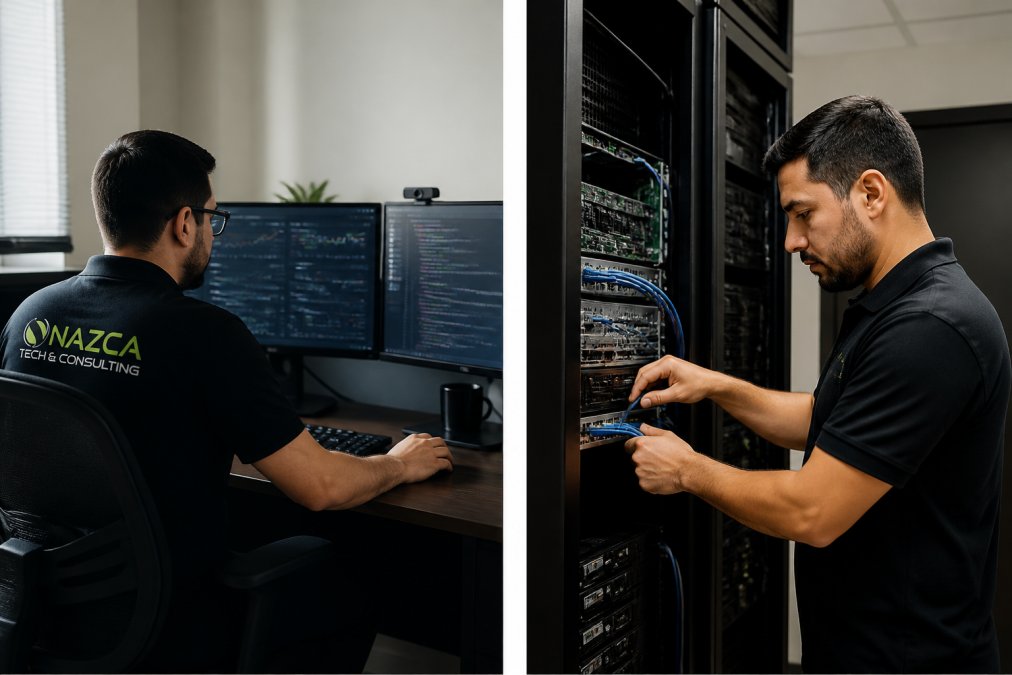
Remote support is faster and cheaper. A technician can connect to your system, see exactly what's happening, and often fix the problem in minutes. Software issues, configuration problems, and network connectivity problems are frequently resolved remotely. For businesses where every minute of downtime costs thousands of dollars, remote support is the first choice.
When On-Site Technicians Are Required
Some problems can't be solved remotely. If hardware is physically damaged, a hard drive has failed, network cables are disconnected, or a server needs to be physically rebooted, you need someone on-site. On-site support is also necessary when the problem is unclear or complex. For healthcare practices or other HIPAA-regulated businesses, on-site support is sometimes required for security-sensitive issues. Nazca Tech's technicians are trained in HIPAA compliance and ePHI security protocols, which matters when you're dealing with protected health information.
Step 5: Prevent Future Emergencies with Managed IT Services
The best emergency is the one that never happens. Managed IT services prevent most emergencies by monitoring systems, applying security updates, and fixing problems before they cause outages.
Proactive Monitoring and Maintenance
Managed IT services use software that monitors your systems 24/7. This monitoring detects problems before they affect your business. A hard drive showing early signs of failure is replaced before it crashes. A security vulnerability is patched before it's exploited. A network issue is identified and fixed before it causes an outage.
This proactive approach transforms IT from a cost center into a business enabler. Instead of waiting for something to break and then paying emergency rates to fix it, you pay a predictable monthly fee for continuous monitoring and maintenance. Most small businesses save money with this model because they avoid expensive emergency calls.
Cybersecurity and Data Protection
Cybersecurity is a foundational component of managed IT services, including endpoint detection and response, next-generation antivirus, and automated patching. For healthcare practices, cybersecurity includes HIPAA-compliant architecture with encrypted connections, secure data storage, access controls, and audit logs that track all access to protected health information.
Nazca Tech integrates cybersecurity throughout the infrastructure rather than bolting it on as an afterthought. Data protection also includes backup and disaster recovery, so if a ransomware attack or hardware failure strikes, you can restore from backup and resume operations with minimal data loss.
Selecting an Emergency IT Support Provider: Your Checklist
Not all emergency IT support providers are equal. Use this checklist to evaluate options and select a partner you can trust when systems fail.
| Evaluation Criteria | What to Look For | Red Flags |
|---|---|---|
| Response Time Guarantee | 1-hour response for critical issues, ideally 24/7 | "As soon as possible" with no specific SLA |
| Resolution Time | Median resolution under 8 hours for most issues | No documented resolution time targets |
| On-Site Capability | Local technicians available for on-site emergencies | Remote-only support with no on-site option |
| Security Expertise | Demonstrated knowledge of your industry's compliance requirements (HIPAA, etc.) | Generic IT support without specialized security knowledge |
| Proactive Monitoring | 24/7 monitoring to catch problems before they cause outages | Reactive support only, they respond after you call |
| Backup & Disaster Recovery | Automated backups tested regularly and documented recovery procedures | No backup strategy or untested backups |
| Years in Business | 5+ years of demonstrated experience and customer retention | Startup providers with limited track record |
| Pricing Transparency | Clear pricing model with predictable monthly costs | Hidden fees or surprise charges after incidents |
| Customer References | Willing to provide references from similar businesses | Evasive about customer satisfaction or references |
| Hybrid Support Model | Combination of remote and on-site support options | Exclusively remote or exclusively on-site |
Evaluate potential providers by asking them directly about their response times, resolution capabilities, and experience with businesses like yours. Ask for references and call them. Ask what happens if you need support outside normal business hours. Pay attention to how they answer. Do they give you specific numbers or vague assurances? The provider who takes time to understand your situation during the sales process is more likely to prioritize you during an emergency.
When systems fail, you need a partner who responds immediately and fixes problems fast. Nazca Tech combines over 21 years of technology expertise with rapid response times (1 hour for remote support, 3 hours for on-site emergencies) and technicians trained in HIPAA compliance and ePHI security protocols. Whether you're a healthcare practice managing patient data or a startup scaling operations, having reliable emergency IT support service means the difference between a minor incident and a business-threatening outage. Join Nazca Tech and ensure your technology runs smoothly so you can focus on growing your business.
Frequently Asked Questions
How quickly can emergency IT support respond to a critical system failure?
Response time varies by provider and service level agreement. Many providers guarantee initial response within 15 minutes to 1 hour for critical issues. For on-site emergencies, expect 2-4 hours depending on location and technician availability. Nazca Tech offers 1-hour remote support and 3-hour on-site emergency response. Always confirm specific SLAs with your provider before an emergency occurs.
What should be included in a small business cybersecurity emergency plan?
A solid plan includes: a contact list for your IT support provider and key staff, clear incident reporting procedures, data backup and recovery steps, communication protocols for notifying customers or partners, and documented steps for isolating compromised systems. Document which systems are critical and their recovery priorities. Test your plan quarterly and update it when systems change. Providers with HIPAA expertise can help align your plan with compliance requirements.
What is the difference between remote IT support and on-site emergency support?
Remote support is faster and solves most software, configuration, and connectivity issues through a technician accessing your system from their office. On-site support is necessary for hardware failures, network infrastructure problems, physical security breaches, or when remote access isn't available. Many providers offer a hybrid model: remote technicians attempt resolution first, escalating to on-site teams only when needed. This approach reduces costs while maintaining fast resolution times.
How do I know if my business needs 24/7 IT monitoring and emergency support?
You need 24/7 support if your business operates outside standard hours, handles sensitive data (like patient records), relies heavily on cloud systems, or cannot tolerate downtime. A single hour of downtime costs small businesses $8,000 to $90,000 depending on industry and size. If losing your systems for even 2 hours would impact revenue or compliance, 24/7 support is essential. Healthcare practices, e-commerce, and financial services almost always require round-the-clock monitoring.
This article was written using GrandRanker