
Last Updated: November 4, 2026
Quick Summary
Secure remote IT support requires encrypted sessions with TLS and 256-bit AES, mandatory MFA on every entry point, least privilege access, endpoint hardening, and full session logging. Implement these controls in order, because each one depends on the last, and vet your vendor in writing before granting access.
- At least 29% of data breaches involve a third-party attack vector, per GTeams' 2026 analysis.
- Exposed RDP without MFA or network segmentation is the most exploited remote desktop weakness.
- Zero trust grants session-level access to one host for the ticket's duration, with continuous re-verification.
- Log every session with who connected, when, to what, and for how long.
- Nazca Tech offers one-hour remote response and three-hour on-site emergency response.
Table of Contents
- Why Remote IT Support Security Is a Business-Critical Priority
- Secure Remote Access Tools: What to Look For
- Remote Desktop Security Vulnerabilities You Must Close
- Core Security Controls Every Remote Support Program Needs
- Zero Trust Architecture for Remote Support
- BYOD Security Policies and Audit Logs for Remote Sessions
- Your Remote Support Security Checklist
- Choosing a Remote IT Support Partner for Your Business
- Frequently Asked Questions
Why Remote IT Support Security Is a Business-Critical Priority
At least 29% of data breaches now involve a third-party attack vector, according to GTeams' 2026 remote team security analysis, and remote IT support sits squarely inside that risk zone.
This guide from Nazca Tech covers the controls that actually close that door: encrypted access, MFA, endpoint hardening, zero trust, and vendor vetting.
Here's what most guides get wrong.
Remote IT support security is the set of technical and procedural controls that protect your systems when an outside technician or tool accesses them over a network.
Keep reading, because the five control families below are the ones auditors and attackers both check first.
Secure Remote Access Tools: What to Look For
Evaluate secure remote access tools on four things: encryption in transit, mandatory MFA, granular permission controls, and audit logging. Anything less is a liability, not a tool.
Encryption Standards and MFA Requirements
Every remote session must run over TLS with 256-bit AES encryption, and the tool must enforce MFA at login rather than offering it as an option. If a vendor's MFA is "available on higher tiers," treat that as a gap.
Supply Chain Risk: Vetting Your Remote Support Vendor
Ask three questions before signing: Who can initiate a session without your approval? Where are session logs stored and for how long? What happens to access when a technician leaves the vendor? A vendor that cannot answer all three in writing is a supply chain risk you are choosing to accept.
If you're shortlisting tools for a small team, our breakdown of remote desktop support tools for small business covers the practical options and how each handles encryption and permissions.
Remote Desktop Security Vulnerabilities You Must Close
The most exploited remote desktop weakness is exposed RDP facing the open internet without MFA or network segmentation. Attackers scan for it continuously, and a single weak credential turns into ransomware.
Common Attack Vectors and How to Mitigate Them
- Credential stuffing against RDP: enforce MFA and account lockout thresholds.
- Unpatched endpoints: a documented patch management cadence, not ad hoc updates.
- Shadow remote sessions: a single approved tool with audit trails, no personal screen-sharing apps.
Each vector maps to a control in the next section. That's deliberate. Vulnerabilities are just controls you haven't implemented yet.
Core Security Controls Every Remote Support Program Needs
Five control families cover the majority of remote support risk. Implement them in this order, because each one depends on the last.
Multi-Factor Authentication and Identity Access Management
MFA on every remote entry point is non-negotiable, and identity and access management should tie each session to a named, authenticated individual. Two-factor authentication via push or hardware token beats SMS. Pair MFA with least privilege access: a support technician fixing a printer queue does not need domain admin rights.
Endpoint Security, Patching, and Password Management
Endpoint detection and response, enforced patch management, and strong password complexity rules form the endpoint layer. If your team still relies on basic password managers with shared vaults, review what alternatives to basic password management exist before your next audit.
Zero Trust Architecture for Remote Support
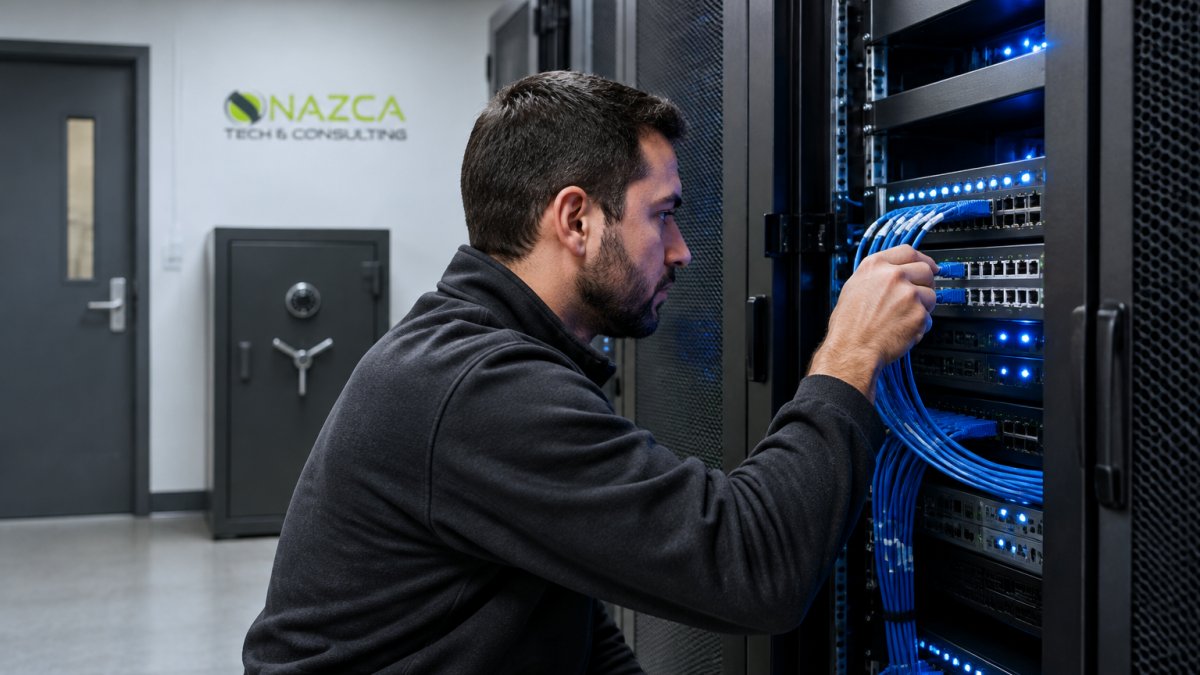
Zero trust for remote support means no session is trusted by default, regardless of who initiated it or which network it came from. Every access request is verified against identity, device health, and context before a connection is granted.
The practical shift is from network-level access to session-level access. Instead of "connect to the VPN and you're inside," a remote technician receives access to the one application or host required for the open ticket, for the duration of that ticket, with continuous re-verification.
Implementation Sequence for a Remote Support Program
- Inventory every remote entry point. List VPN concentrators, RMM agents, remote desktop gateways, and any screen-sharing tool in use. Shadow tools are the most common zero trust failure point because they bypass policy entirely.
- Put identity in front of each entry point. Route access through a single identity provider with conditional access policies. This is the step that replaces "VPN then domain credentials" with per-request evaluation.
- Define device trust. Require managed devices with disk encryption, screen lock, and an endpoint detection agent reporting healthy. Unmanaged devices should be limited to browser-based, read-only access at most.
- Scope permissions to the ticket. Map technician roles to the smallest set of systems each role needs. A help-desk technician resetting passwords does not need server console access.
- Enforce session controls. Apply idle timeouts, maximum session duration, and just-in-time elevation for administrative tasks. Access should expire automatically when the ticket closes.
- Log and review. Every grant and denial should be recorded with identity, device, timestamp, and resource. Review denials weekly, they are the clearest signal of misconfiguration or attempted abuse.
Where SMB Programs Stall
Zero trust requires identity infrastructure that many small and mid-sized organizations have not built: a centralized identity provider, device management, and conditional access licensing. That is the real barrier, not the concept.
Watch out: conditional access policies that are tested only in report-only mode and never enforced give a false sense of coverage; schedule the enforcement date and verify with a real login attempt from an unmanaged device.
Our zero trust security guide for SMBs walks through the implementation sequence in more detail, including the licensing and staffing implications most guides skip.
BYOD Security Policies and Audit Logs for Remote Sessions
Two gaps sink otherwise solid remote support programs: personal devices touching business systems, and sessions nobody recorded. Most guides assume company-issued hardware and stop at "enable logging." Neither assumption survives contact with a real support desk, where technicians often work from personal laptops and session evidence is the difference between a clean audit and an incident report you cannot complete.
A BYOD Framework That Actually Gets Enforced
A BYOD policy fails when it is written as a list of prohibitions. Build it as an enrollment workflow instead:
- Separate the device from the data. Require enrollment in mobile device management before any business app is installed. The device stays the employee's property; the business container is what you control.
- Enforce baseline posture at enrollment. Disk encryption, screen lock with a timeout, current OS patch level, and a supported OS version. Devices that fail posture checks get email and browser access only, not the support console.
- Use containerization for business data. Keep business apps and files in a managed container so a selective wipe removes company data without touching personal photos, messages, or accounts. Document the wipe scope in the policy so employees know exactly what can be removed.
Watch out: selective wipe features vary by platform and often remove more than administrators expect; test the wipe scope on a spare device before publishing the policy.
Audit Logs and Session Recording as Forensic Evidence
For audit trails, log every remote session with who connected, when, to what, and for how long. The mechanics matter more than the intent:
- Capture the full session, not just the connection event. Recording should include screen activity and file transfer events, with the recording stored separately from the endpoint being accessed.
- Set a retention period that matches your obligations. Many organizations in regulated sectors retain session recordings for six months to a year; confirm the requirement with your compliance advisor rather than defaulting to the shortest option.
- Alert on behavior, not just access. Data exfiltration attempts, unusual file transfers, after-hours sessions, and sessions that exceed a normal duration should trigger alerts to a monitored queue, not sit in a log nobody reads.
If your team is setting these rules now, our guide to securing personal devices for remote work covers the policy language and technical controls in detail.
Your Remote Support Security Checklist
Use this as a working audit list. Each item maps to a control above.
| Control | What "Done" Looks Like | Review Frequency |
|---|---|---|
| MFA | Enforced on all remote entry points | Quarterly |
| Encryption | TLS + 256-bit AES on every session | Annually |
| Patch management | Documented cadence, tracked compliance | Monthly |
| Least privilege | Role-based access, no shared admin accounts | Quarterly |
| Session logging | Every session recorded with retention policy | Monthly review |
| Vendor vetting | Written answers to access and offboarding questions | Annually |
| BYOD policy | Enrollment, encryption, selective wipe enforced | Annually |
| Incident response | Tested plan covering third-party breach scenarios | Annually |
- MFA enforced on every remote access path
- Encryption verified on all support tools
- Patch cadence documented and tracked
Choosing a Remote IT Support Partner for Your Business
A remote IT support partner should demonstrate the controls above in their own operation before you let them near yours.
At Nazca Tech, technicians are trained in HIPAA compliance and ePHI security protocols, which matters if you handle patient data.
If you're at the hiring stage, our step-by-step framework for choosing managed IT services will keep the evaluation honest.
The challenge is simple: many businesses cannot readily tell you which technician accessed which system on a given day, or prove it.
Frequently Asked Questions
What are the most critical security protocols for remote IT support sessions?
Every remote IT support session should require multi-factor authentication, end-to-end encryption (at least 256-bit AES), and session logging. Technicians should connect through a secure remote access tool with role-based permissions, not shared credentials. Before the session starts, verify the user's identity through a callback or secondary channel. During the session, limit access to only the systems needed. Afterward, review audit logs for unusual activity. These protocols reduce the risk of unauthorized access and data exfiltration.
How does multi-factor authentication improve remote access security?
Multi-factor authentication (MFA) adds a second verification step beyond a password, such as a code from an authenticator app or a hardware token. If a password is stolen in a phishing attack, MFA blocks the attacker from logging in. For remote IT support, MFA should be mandatory for both technicians and end users. It also supports compliance requirements like HIPAA by making it harder for unauthorized users to access ePHI. Set up MFA on your remote access tools, VPNs, and administrative accounts first.
What are the risks of using unencrypted remote desktop software?
Unencrypted remote desktop software sends screen data and keystrokes in plain text, allowing attackers on the same network to intercept credentials and sensitive information. This can lead to data breaches, ransomware deployment, and regulatory penalties. Always choose tools that use TLS 1.2 or higher and AES-256 encryption for data in transit. Also verify that the tool encrypts data at rest and offers session recording. Free or consumer-grade tools often lack these protections, so avoid them for business use.
How can businesses ensure compliance while providing remote IT assistance?
Compliance during remote support requires documented policies, access controls, and audit trails. For HIPAA, ensure remote sessions are encrypted, MFA is enforced, and session logs are retained. Use a remote support tool that supports session recording and detailed audit logs. Conduct regular risk assessments and train technicians on ePHI handling. A remote support security checklist helps verify each control. Work with an IT partner experienced in HIPAA compliance to avoid gaps that could lead to violations.
What should be on a remote support security checklist?
A remote support security checklist should include: enforcing MFA for all remote sessions, using encrypted connections (TLS 1.2+ and AES-256), maintaining an approved remote access tool list, requiring unique credentials for technicians, logging and reviewing all sessions, patching remote access software promptly, restricting access to least privilege, and conducting regular security awareness training. Also include steps for verifying user identity before each session and a process for revoking access when an employee leaves.
What are the four pillars of IT security in a remote support environment?
The four pillars are confidentiality, integrity, availability, and accountability. In remote support, confidentiality means encrypting sessions and enforcing least privilege. Integrity means ensuring data isn't altered during transfers, often through checksums and secure protocols. Availability means keeping remote tools reliable and protected from denial-of-service attacks. Accountability means logging every session and reviewing audit trails. Together, these pillars guide a balanced security posture that addresses both technical controls and operational processes.