Table of Contents
- Remote IT Support vs On-Site: A Side-by-Side Comparison
- What Remote IT Support Actually Covers
- What On-Site IT Support Covers
- Managed IT Services Cost: What Drives the Price Difference
- Remote Desktop Support Tools: How Technicians Connect Securely
- Security Compliance Implications: HIPAA, ePHI, and Cybersecurity Risk
- IT Infrastructure Maintenance Best Practices for Each Model
- Hybrid Support Decision Matrix: Choosing the Right Model
Last Updated: August 22, 2026
Remote IT Support vs On-Site: A Side-by-Side Comparison
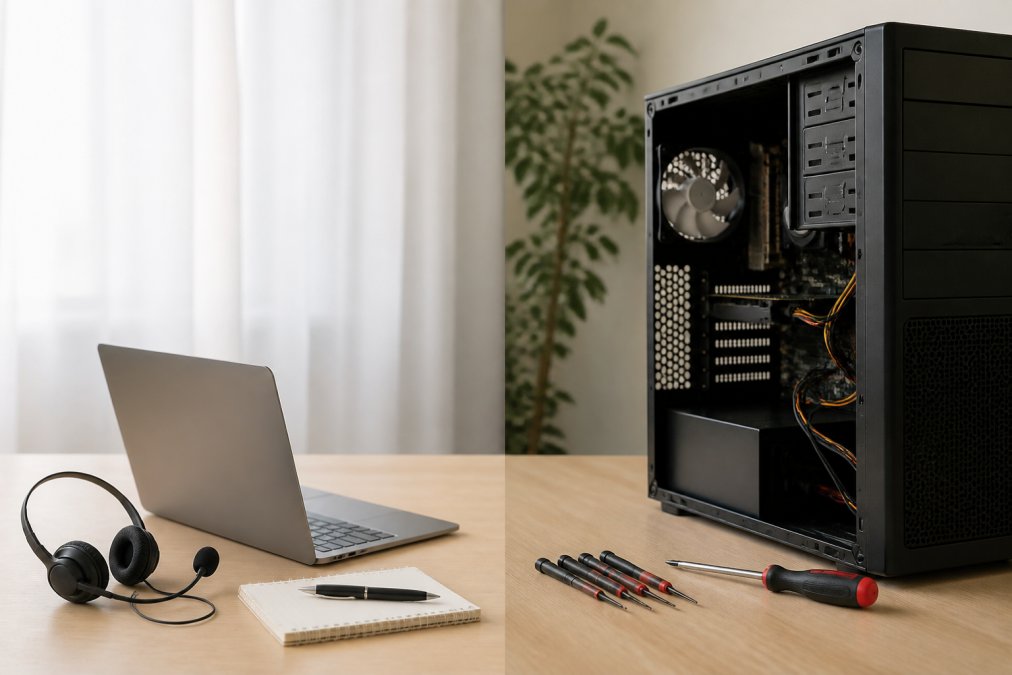
Remote IT support delivers technical assistance over a secure network connection without a technician visiting your location. On-site support puts a technician in the room with your hardware. Both solve real problems, the question is which one fits your needs at acceptable cost and response time.
At Nazca Tech, we've spent over 21 years delivering both models to businesses ranging from small healthcare practices to mid-market firms. Remote support is faster and cheaper for most incidents, but becomes useless the moment the problem is physical. A crashed server, failed network switch, or workstation that won't POST won't respond to a remote desktop session.
| Factor | Remote IT Support | On-Site IT Support |
|---|---|---|
| Response time | Minutes to 1 hour | 2-4 hours or longer |
| Best for | Software, config, access issues | Hardware failures, physical installs |
| Cost structure | Lower, often included in managed plan | Higher due to travel and labor |
| HIPAA compliance | Requires encrypted, audited sessions | Requires physical access controls |
| Scalability | High, one technician covers many endpoints | Limited by geography and travel time |
| Business continuity | Strong for software incidents | Essential for hardware-dependent downtime |
What Remote IT Support Actually Covers
Remote IT support covers any technical issue that can be diagnosed and resolved through a secure digital connection: software deployment, patch management, user account administration, firewall configuration, cloud application troubleshooting, network connectivity diagnostics, and help desk ticket resolution.

Remote monitoring tools and proactive alerting make remote support genuinely effective. A managed service provider using remote monitoring can detect a failing drive, unauthorized login attempt, or misconfigured firewall rule before the user notices a problem. This shift from reactive break-fix to preventative maintenance is where real operational efficiency gains come from.
How Remote Desktop Protocol and Cloud-Based Management Work
Remote desktop protocol (RDP) allows a technician to view and control a remote machine as if sitting in front of it. Enterprise-grade support environments layer additional security and management tooling on top of raw RDP. Platforms like NinjaOne provide remote monitoring and management (RMM) capabilities, while tools like GoTo Resolve and TeamViewer add session encryption, multi-factor authentication, and session recording.
Cloud-based management extends this further by allowing technicians to push software updates, enforce security policies, and monitor system health across entire endpoint fleets simultaneously. For regulated industries, encrypted tunnels, zero-trust access models, and session audit logs are compliance requirements, not optional features.
Pros and Cons of Remote Support
Pros:
- Fast incident response, often resolving issues within minutes
- Lower cost per incident than dispatching a technician
- Scalable across multiple locations without geographic constraints
- Enables proactive remote monitoring and automated patch management
- Detailed session logs support compliance auditing
Cons:
- Cannot address physical hardware failures or installation tasks
- Dependent on network connectivity; if the network is down, remote access may be unavailable
- Requires strong security controls to prevent unauthorized access
- Some users find remote sessions less reassuring than in-person support
What On-Site IT Support Covers
On-site IT support covers work requiring physical presence: hardware installation, server rack maintenance, structured cabling, printer and peripheral setup, physical security assessments, and hands-on troubleshooting of unresponsive or offline devices.
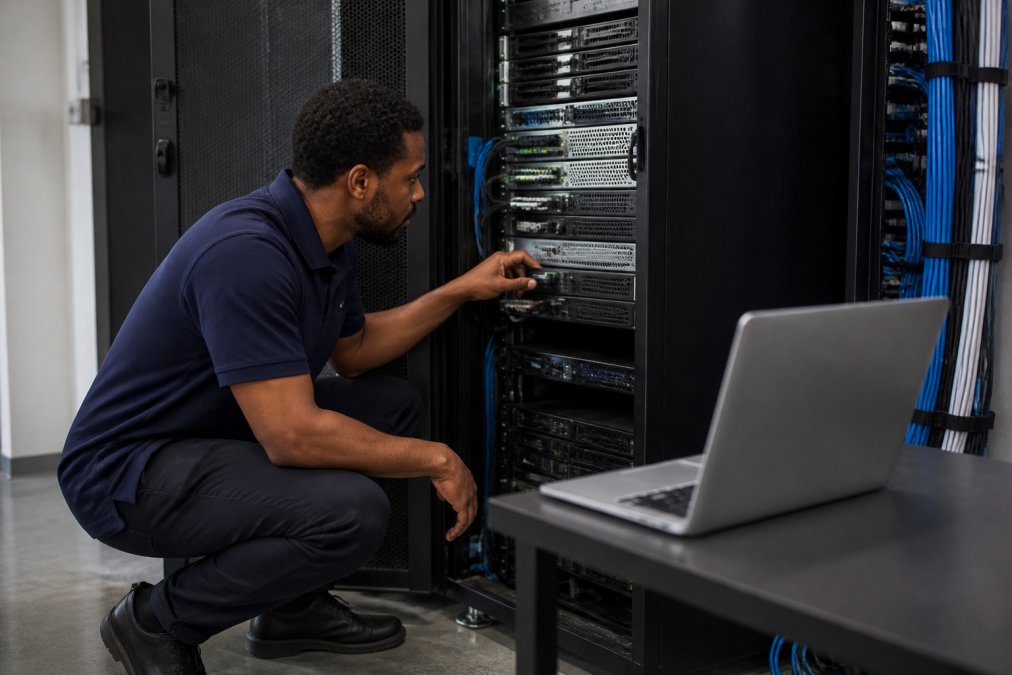
The value of on-site support is most obvious during hardware failure that takes a critical system offline. When a device won't boot, having a technician who can arrive within a defined service window, diagnose the physical failure, and begin remediation is the difference between a two-hour outage and a two-day one.
Hardware-Specific Scenarios That Require Physical Intervention
The most common hardware-specific scenarios demanding on-site presence include:
- Server hardware failure: Failed power supplies, dead RAID arrays, or corrupted firmware require hands-on diagnosis and component replacement.
- Network infrastructure issues: Failed switches, misconfigured patch panels, or physical cable faults cannot be resolved remotely.
- Workstation deployment: Imaging and deploying new endpoints in bulk is far more efficient with a technician on-site.
- Peripheral and print environment setup: Networked printers, scanners, and specialty medical devices often require physical configuration and driver installation.
- Physical security installations: Access control systems, security cameras, and biometric readers require on-site setup and testing.
For healthcare practices, on-site visits often include physical verification of workstation encryption status and confirmation that ePHI-handling devices meet HIPAA physical safeguard requirements.
Pros and Cons of On-Site Support
Pros:
- Handles hardware failures, physical installs, and infrastructure work that remote access cannot touch
- Builds stronger client relationships through direct interaction
- Allows comprehensive physical security and compliance audits
- More effective for complex, multi-system problems benefiting from in-environment presence
Cons:
- Slower response time due to travel, particularly outside major metro areas
- Higher cost per incident, including travel expenses and technician transit time
- Scheduling constraints limit immediacy compared to remote assistance
- Technician availability in a specific geography limits scalability
Managed IT Services Cost: What Drives the Price Difference
Managed IT services cost varies based on the support model, environment complexity, and SLA terms. Remote-only support is generally less expensive because it eliminates travel expenses and allows technicians to handle more clients per hour. On-site support carries higher per-incident cost due to travel time.
The pricing model matters as much as the headline number. Break-fix arrangements charge per incident, creating unpredictable monthly costs. Managed service agreements bundle ongoing monitoring, help desk access, and defined response times into a flat monthly fee, far more predictable for budget planning.
According to CompTIA's IT industry research and resources, managed service agreements have become the dominant delivery model for business IT support because they align provider incentives with client uptime rather than incident volume.
Contact Nazca Tech directly for current pricing, as managed IT services cost depends on your environment size, compliance requirements, and support scope.
Total Cost of Ownership Beyond the Monthly Invoice
True total cost of ownership (TCO) goes well beyond the monthly service fee. Businesses comparing managed IT costs against in-house staffing often undercount the full expense of internal IT: salary, benefits, training, certifications, vacation coverage, and the opportunity cost of a generalist who can't match a dedicated managed service provider's specialized expertise.
Remote support reduces TCO by catching issues proactively before they escalate into costly outages. A server that fails without warning costs far more in lost productivity, emergency labor, and potential data recovery than the monthly cost of remote monitoring that would have flagged warning signs weeks earlier.
Remote Desktop Support Tools: How Technicians Connect Securely
Remote desktop support tools are the software platforms enabling technicians to access, diagnose, and control client systems over a secure digital connection. For any business handling sensitive data, the security architecture of these tools is the primary concern.
Enterprise-grade platforms typically include end-to-end encryption, multi-factor authentication (MFA), session recording and audit logging, zero-trust architecture, and role-based access controls. NinjaOne provides RMM capabilities with automated patch management and remote access integration. GoTo Resolve includes zero-trust architecture with 256-bit AES encryption and MFA. TeamViewer offers session recording and two-factor authentication.
The choice of remote desktop support tools directly affects your security posture. A tool lacking session logging creates a compliance gap. A tool without MFA is a credential-theft risk. CISA's cybersecurity guidance on remote access specifically calls out these as high-priority risks for businesses using remote access technology.
Security Compliance Implications: HIPAA, ePHI, and Cybersecurity Risk
For healthcare practices and any business handling protected health information, the security compliance implications of remote IT support are legal requirements with real enforcement consequences.
The HIPAA Security Rule requires covered entities and business associates to implement technical safeguards for electronic protected health information (ePHI). Remote IT support sessions accessing systems containing ePHI must use encrypted connections, maintain access logs, and operate under a signed Business Associate Agreement (BAA) with the IT provider. A technician connecting to a workstation that can access patient records without these controls creates a reportable breach risk.
HHS Office for Civil Rights HIPAA enforcement guidance documents that the most common HIPAA security violations involve inadequate access controls and insufficient audit logging, precisely where poorly configured remote support tools create exposure.
On-site support carries its own compliance requirements. Physical safeguards under HIPAA require that workstations handling ePHI be positioned to limit unauthorized viewing, and that physical access to servers and network equipment be controlled and logged.
Your IT provider's compliance posture is your compliance posture. Nazca Tech's technicians are trained specifically in HIPAA compliance and ePHI security protocols, shaping how both remote sessions and on-site visits are conducted.
IT Infrastructure Maintenance Best Practices for Each Model
IT infrastructure maintenance best practices differ meaningfully between remote and on-site support models.
For remote-managed environments, best practices include automated patch management, continuous remote monitoring with alerting thresholds, regular backup verification, quarterly user access reviews, and incident response documentation that feeds into a knowledge base reducing repeat incidents.
For on-site components of a hybrid model, best practices include scheduled hardware inspections of servers and network equipment, proper cable management and physical organization, and physical security verification including door access logs and camera coverage.
NIST guidelines on IT security and infrastructure management shows that organizations combining proactive monitoring with scheduled physical audits demonstrate significantly better security outcomes than those relying on either model alone. The real mistake is treating on-site visits as purely reactive. Scheduled preventative maintenance visits catch physical degradation before it becomes a failure.
Hybrid Support Decision Matrix: Choosing the Right Model
The right support model is determined by four variables: the nature of your incidents, your compliance requirements, your geographic situation, and your budget structure. Most businesses above a certain size benefit from a hybrid model using remote support as the primary response mechanism and on-site support as a targeted escalation path.
| Scenario | Recommended Model | Reasoning |
|---|---|---|
| Software crash, user locked out, email issue | Remote only | Resolvable via secure remote session in minutes |
| Server hardware failure | On-site required | Physical component access needed |
| New workstation deployment (5+ units) | On-site required | Imaging and physical setup at scale |
| HIPAA compliance audit preparation | Hybrid | Remote for documentation review; on-site for physical safeguard verification |
| Network connectivity loss across office | On-site preferred | Physical infrastructure diagnosis likely needed |
| Cloud application performance issue | Remote only | No physical component involved |
| Routine patch management and monitoring | Remote only | Automated via RMM platform |
| Disaster recovery execution | Hybrid | Remote for coordination; on-site for physical media and infrastructure |
The businesses that struggle most treat this decision as permanent. Your support model should evolve with your infrastructure complexity. A common mistake is choosing remote-only support to control costs, then discovering that the first major hardware failure generates an emergency on-site bill that wipes out months of savings.
Nazca Tech's hybrid support model uses remote support with a one-hour response time as the primary channel, and on-site emergency response within three hours for situations requiring physical intervention. The dedicated help-desk portal provides real-time request tracking so you always know where your incident stands in the escalation path.
Choosing between remote and on-site IT support is the wrong frame. The real question is whether your managed IT provider has both capabilities, knows when to use each, and has the compliance training to do so safely in your industry. Nazca Tech delivers rapid remote support and on-site emergency response under a single managed services agreement, with technicians trained in HIPAA compliance and ePHI security protocols. The dedicated help-desk portal keeps every request visible and accountable. Get started with Nazca Tech and build an IT support model that handles the full range of what your business actually faces.
Frequently Asked Questions
What are the primary differences between remote and on-site IT support?
Remote IT support resolves software issues, network connectivity problems, and system configuration through a secure digital connection, typically within minutes. On-site support sends a technician to your location to handle hardware failures, physical infrastructure work, or situations where remote access is not possible. The right choice depends on the type of issue, your security requirements, and how quickly you need resolution. Many businesses use both through a hybrid model managed by a single provider.
When is on-site IT support necessary for a business?
On-site support is necessary when a hardware component fails and needs physical replacement, when network cabling or server room infrastructure requires hands-on work, or when a device cannot connect to the internet at all, making remote access impossible. Regulated industries such as healthcare may also require on-site visits for certain audits or equipment installations that involve ePHI-handling systems. For most software and configuration issues, remote support resolves the problem faster and at lower cost.
What are the cost differences between remote and on-site IT services?
Remote IT support typically costs less per incident because there are no travel expenses and a single technician can handle multiple clients in the same time it takes to drive to one location. On-site visits add travel time, fuel, and sometimes a minimum hourly charge. Managed IT services that bundle both models under a flat monthly fee often provide the best total cost of ownership, replacing unpredictable break-fix bills with consistent, budgetable spending. Contact your provider for a specific quote based on your business size and needs.
Does remote IT support provide the same level of security as on-site?
Remote IT support can meet the same security standards as on-site support when the provider uses encrypted connections, multi-factor authentication, and zero-trust access controls. For HIPAA-regulated businesses handling ePHI, the key requirement is that the remote session itself is secured and logged, and that the provider has signed a Business Associate Agreement. Providers with trained compliance technicians can deliver remote support that satisfies HIPAA technical safeguard requirements without requiring an on-site visit for every task.
Can a hybrid IT support model work for small businesses?
A hybrid model works well for small businesses because it matches the support method to the actual problem. Software issues, password resets, and network troubleshooting are handled remotely for fast resolution, while hardware failures or infrastructure upgrades receive an on-site visit. This approach avoids paying travel costs for problems that a technician can fix in minutes online, while still ensuring physical help is available when the situation demands it. Providers offering both under one service level agreement simplify escalation and accountability.
This article was written using GrandRanker