Moving Beyond Legacy Systems to Modern Digital Workspaces

At NAZCA TECH, we believe in providing solutions that meet the demands of the modern, mobile workforce. While Virtual Desktop Infrastructure (VDI) was once the industry standard for remote access, the technology has become increasingly obsolete due to its high cost, administrative complexity, and performance bottlenecks.

Modern businesses require more agility and less overhead. That is why we specialize in transitioning organizations away from legacy VDI and toward next-generation solutions like Secure Enterprise Browsers, Desktop as a Service (DaaS), and Virtualized Applications. We don't just host your desktops; we modernize your entire remote work strategy.

wiring-img

Modern Alternatives to Legacy VDI

To help you choose the right path forward, here is a breakdown of the modern technologies NAZCA TECH uses to replace traditional VDI.

Secure Enterprise Browser (SEB)

The primary OS for modern workers. SEBs provide a managed environment for SaaS apps without a full virtual desktop.

PROS Low cost, zero infra, native performance, BYOD ready.
CONS Web-only apps, no heavy local software support.

Desktop as a Service (DaaS)

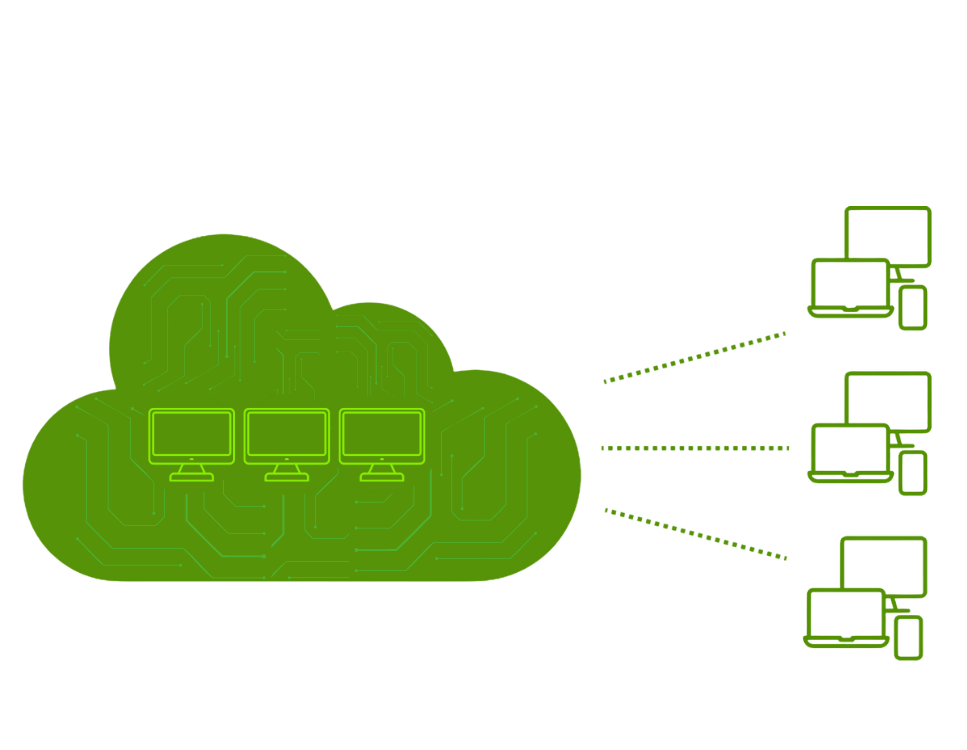
"Cloud VDI" - Subscribe to platforms like Azure or AWS where the provider handles the hardware layer.

PROS High scalability, predictable OpEx, zero maintenance.
CONS Ongoing costs, requires constant high-speed internet.

Application Virtualization

Streaming specific apps instead of the whole desktop. Lower bandwidth and easier patching for IT.

PROS Lower bandwidth, better UX, easier app patching.
CONS Complex initial packaging for custom software.

Modern Remote Work

Creates a "secure enclave" on local laptops, separating work/personal data without latency.

PROS Zero latency, works offline, best UX for video calls.
CONS Requires modern physical device to run enclave.

Comparison at a Glance

Legacy VDI


Setup Cost Very High (CapEx)
Performance Lag-Prone
Management Complex / Manual
Best For: Regulated Legacy

DaaS


Setup Cost Low (OpEx)
Performance Good
Management Automated
Best For: Rapid Scaling

Secure Browser


Setup Cost Minimal
Performance Native
Management Centralized
Best For: SaaS-Heavy Teams

App Virtualization


Setup Cost Moderate
Performance Excellent
Management Application-Level
Best For: Specific Power Apps